


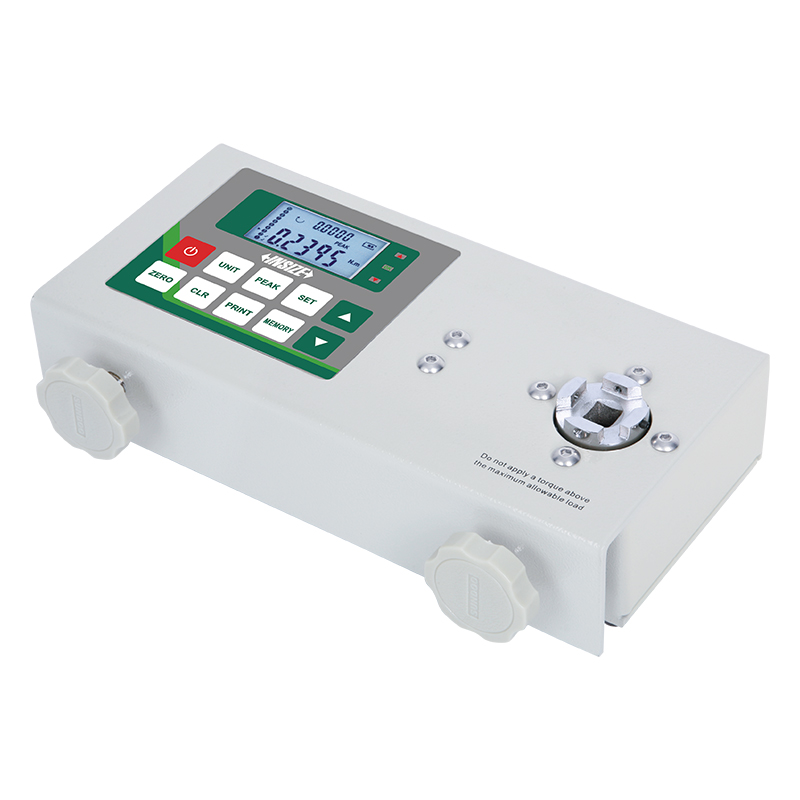
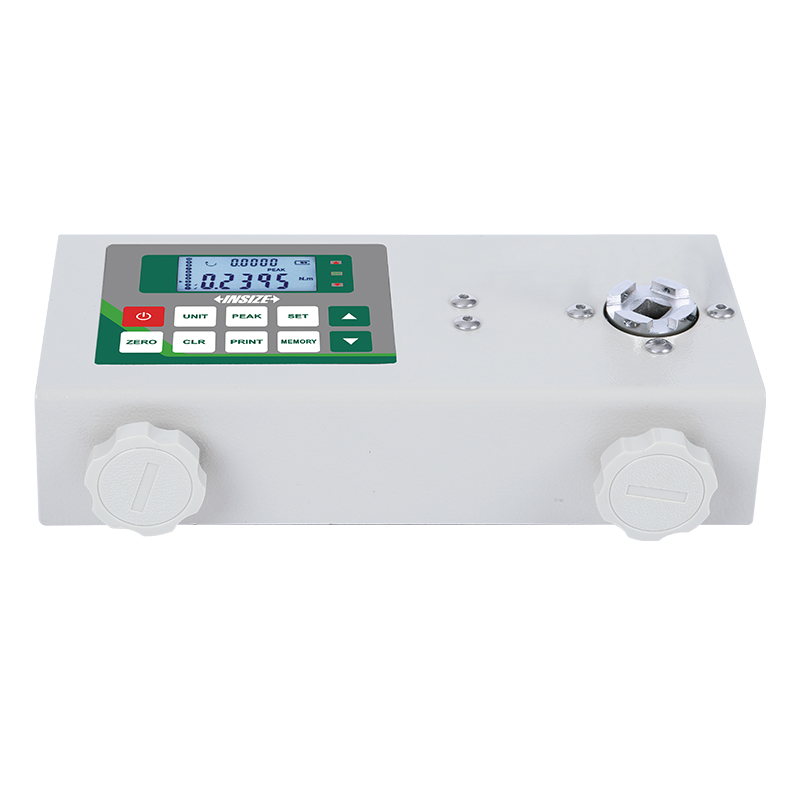
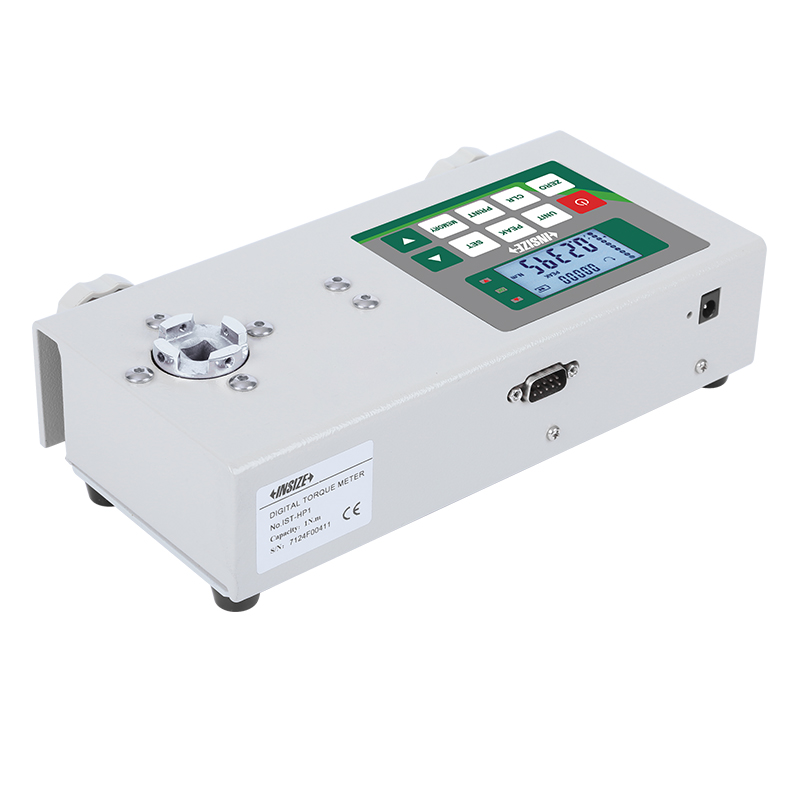
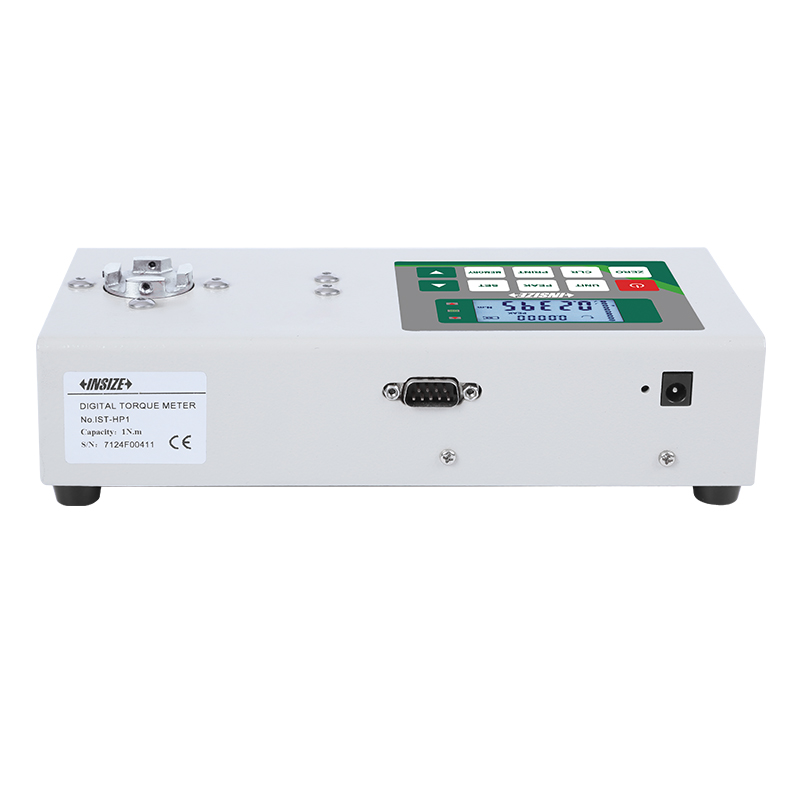
Torque Testers
Code: IST-HP Series
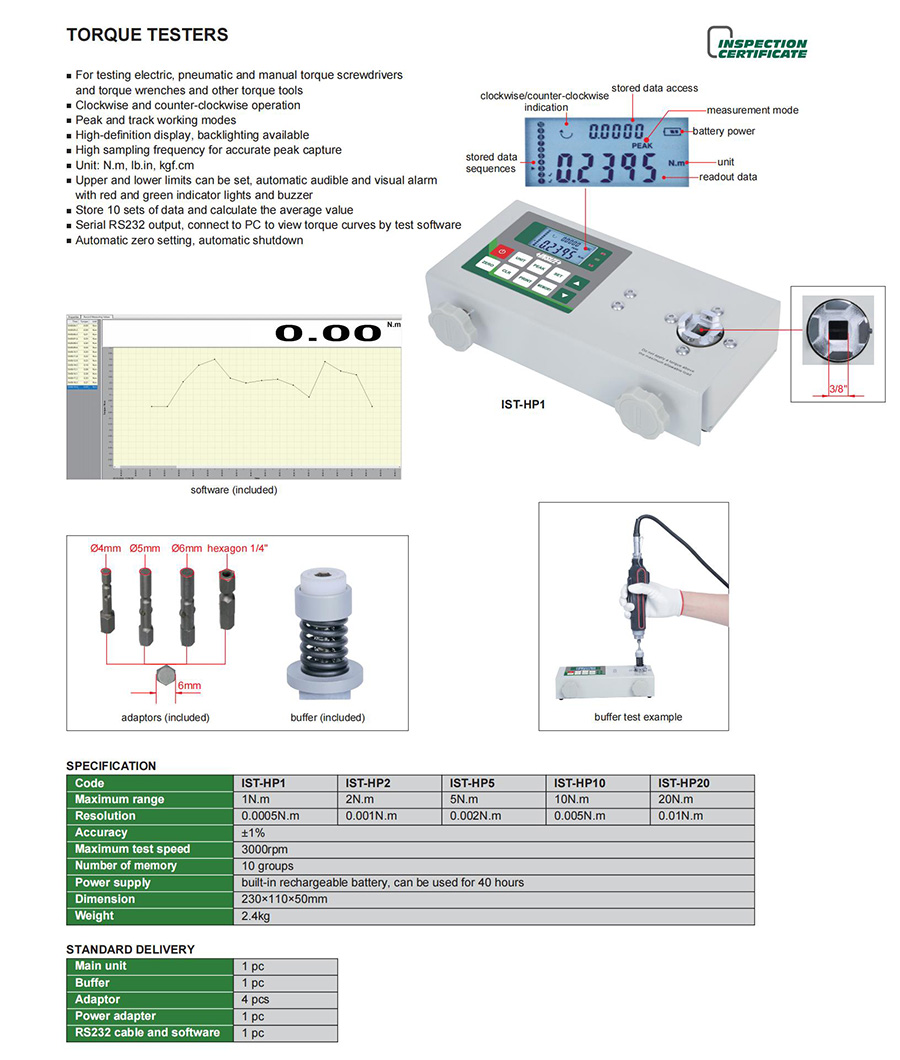
For testing electric, pneumatic and manual torque screwdrivers and torque wrenches and other torque tools
Clockwise and counter-clockwise operation
Peak and track working modes
High-definition display, backlighting available
High sampling frequency for accurate peak capture
Unit: N.m, lb.in, kgf.cm
Upper and lower limits can be set, automatic audible and visual alarm with red and green indicator lights and buzzer
| Code | Sensor type | Torque testing category | Installation method | With buffer | Maximum range |
|---|---|---|---|---|---|
| IST-HP1 | fixed type | dynamic torque/static torque | portable installation | yes | 1N.m |
| IST-HP2 | fixed type | dynamic torque/static torque | portable installation | yes | 2N.m |
| IST-HP5 | fixed type | dynamic torque/static torque | portable installation | yes | 5N.m |
| IST-HP10 | fixed type | dynamic torque/static torque | portable installation | yes | 10N.m |
| IST-HP20 | fixed type | dynamic torque/static torque | portable installation | yes | 20N.m |



View the complete
product specifications
FAQ
What tools can the INSIZE IST-HP Torque Testers test?
The INSIZE IST-HP Torque Testers are designed to measure torque in electric, pneumatic, and manual torque screwdrivers, torque wrenches, and other torque tools.
What is the difference between Peak and Track modes?
Peak mode is the maximum value recorded during testing, and track mode tracks changes in real time.The high sampling frequency supports accurate peak torque capture. Select the working mode according to your testing requirements.
Can the IST-HP Torque Testers alert users when torque limits are exceeded?
Yes. Upper and lower torque limits can be set. The testers provide audible and visual alarms, with red and green indicator lights and a buzzer.
Can the IST-HP Torque Testers connect to a PC?
Yes. The IST-HP Torque Testers feature an RS232 serial output for PC connection. With the test software, users can view torque curves.
Do the IST-HP Torque Testers support clockwise and counterclockwise testing?
Yes. The IST-HP Torque Testers support both clockwise and counterclockwise operation.
What torque ranges are available in the IST-HP series?
The IST-HP series includes five models with maximum torque ranges of 1, 2, 5, 10, and 20 N·m. Choose a model based on the torque range required for your application.